
Free AI Video Generatorfrom Text & Images
Six Video Models, Six Different Looks
Every model has a signature — a look, a kind of motion, a length it handles best. Here is what each one actually produces.

Seedance 2.5
Native audio up to 30 seconds with visual references

MiniMax H3
Frontier multimodal 4K video up to 15 seconds

FLUX 3 Video
Native-audio video from text, image, or paired frames

Gemini Omni Video
Mix images and video into one guided scene

Kling 3.0
Up to 15 seconds, with end frames and audio

Grok Imagine
Fast, affordable motion for rapid video iteration
Also on Fabbo: Veo 3.1 · Wan 2.7 · Hailuo 2.3 · HappyHorse 1.1 · Kling 2.6 · Seedance 2.0
Every clip here came out of Fabbo
Curated from what people have made with it. Pick one and, where its prompt can be reused, it lands in the generator above.
Create AI Videos and Images in One Studio
Turn a single prompt into a video or an image — without opening two different apps. No switching between tools, no re-uploading files, no juggling multiple accounts.
Video. Image. And the sound that comes with it.
No camera. No editor. No experience needed.
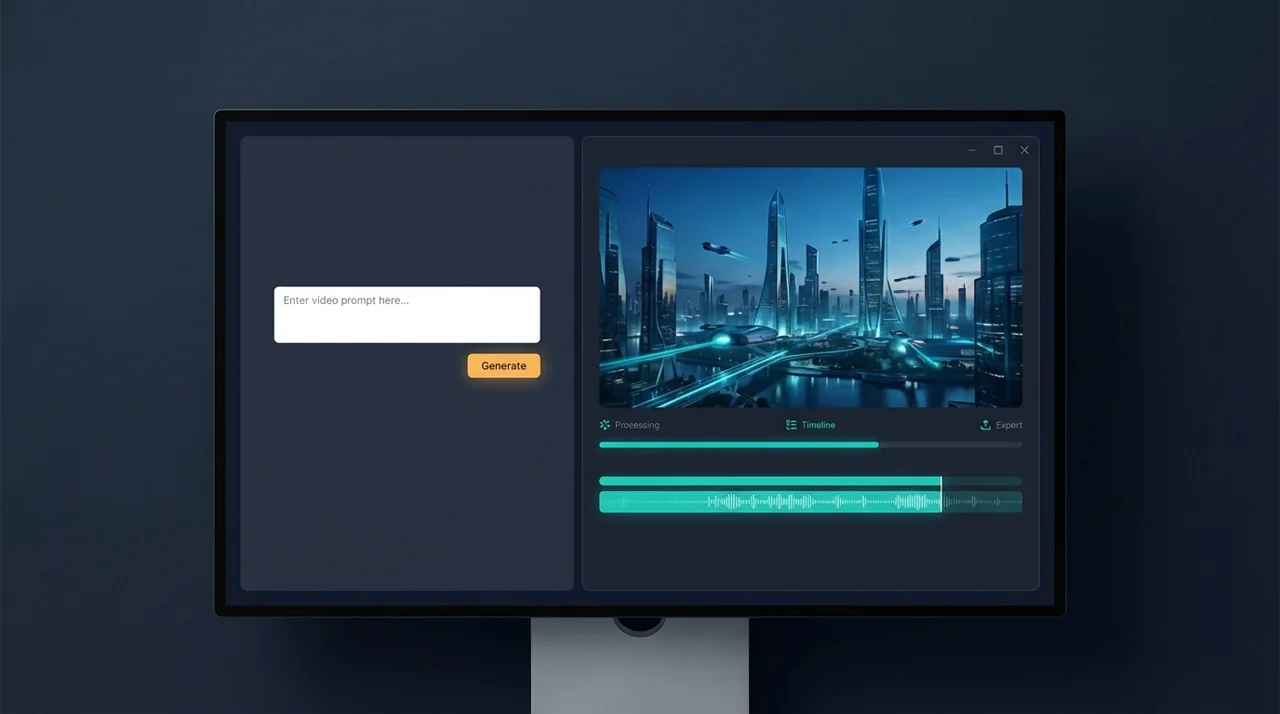
AI Video Generator
Turn a text prompt into a shareable video clip — no camera, no timeline, no editing software required.
Text to Video
Type a scene description, get a ready-to-share clip.
Image to Video
Upload a photo and watch it move.
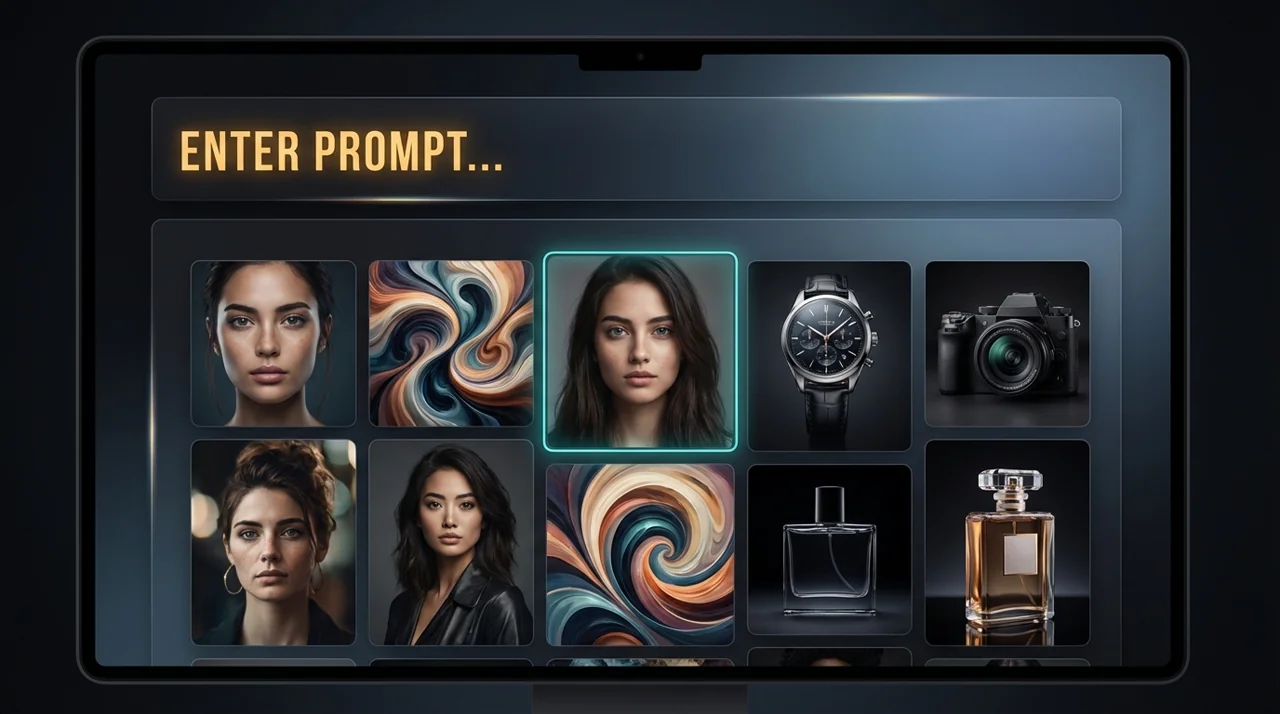
AI Image Generator
Generate on-brand visuals, scene references, and thumbnail art to complement your videos — no design software needed.
Text to Image
Create thumbnails, cover art, or scene concepts that match your video's look and feel.
Image to Video
Turn any generated image directly into a video clip.
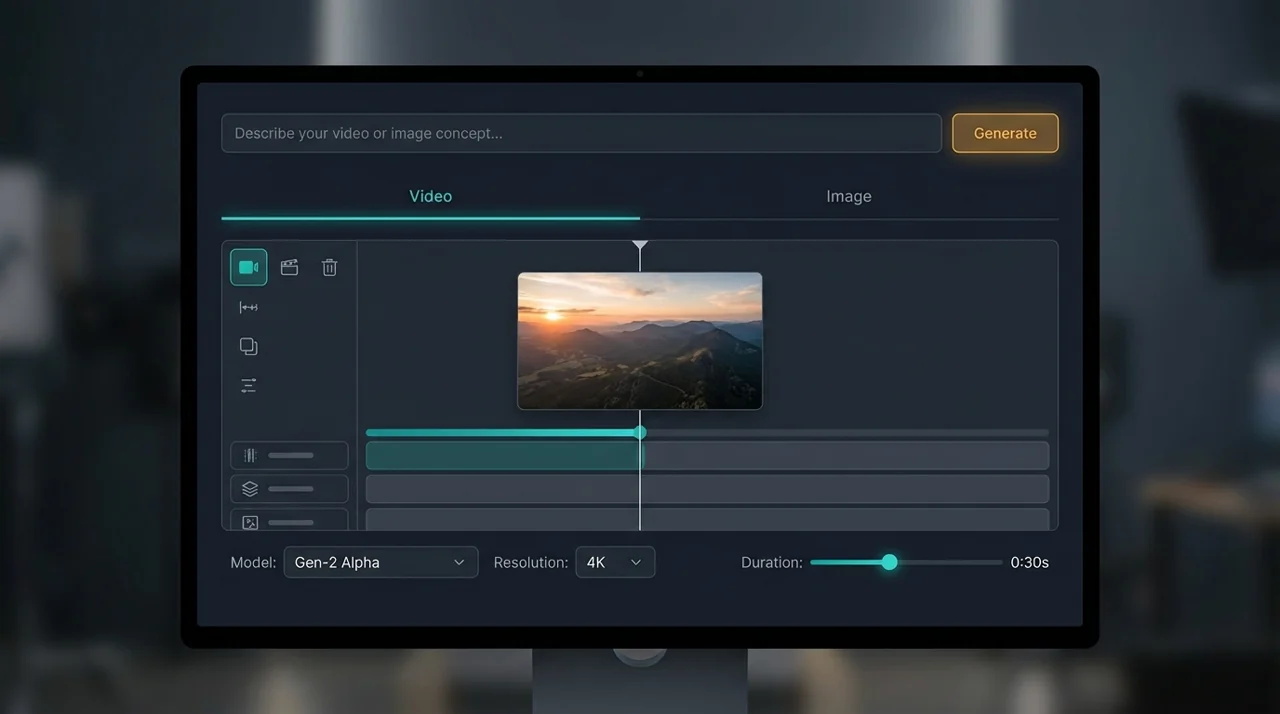
Native Audio
Several of our video models write the sound with the picture, in the same pass — dialogue, ambience and effects arrive already in sync with the clip.
One Pass, Not Two
The model that makes the clip makes its sound, so nothing has to be lined up afterwards.
Written by the Prompt
Describe what is heard alongside what is seen, and the model reads both.
Yours to Switch Off
Audio is a toggle on the models that support it, and on most of them it costs no extra credits.
Made for Every Creator
How to Create with Fabbo AI in 3 Steps
No editing skills needed - just pick, type, and go using AI video and image generation tools.
Choose your mode and model
Pick a generation mode — text to video, image editing, and more — then select a model and adjust settings like resolution or duration.
Write a prompt or upload a photo
Describe what you want to create, or upload a reference image to guide the AI.
Generate and download
Hit Generate and let the AI do the work. Your content will be ready to download in seconds or minutes.
What you get before you pay anything
Credits land with the account and no card is asked for. How far they go depends on which model you pick — they are not all priced the same.
AI Models
Video and image models from Seedance, Google, Kling, MiniMax, Wan, Grok, Flux and Seedream among others — all in one platform.
Refund on Failure
A failed generation refunds its credits automatically.
Free to Start
Start creating AI-generated videos with free credits — no subscription needed to explore every model and feature.
No Credit Card
Sign up and start generating AI videos instantly — no credit card required, no hidden fees, no commitments.
Frequently Asked Questions
Have another question? Contact us by email or join the community.
Make your first video with Fabbo
Start with free credits. Create, refine, and export — without the complexity.